Begin with the presenter’s job
Before commissioning an expansive virtual arena, describe the segment in ordinary language. Perhaps an analyst needs to compare two teams, a host needs to introduce the next map, or an interviewer needs space for a remote guest. Those tasks suggest different camera positions and different amounts of visible scenery. A digital set should support the conversation rather than force a presenter to explain the set.
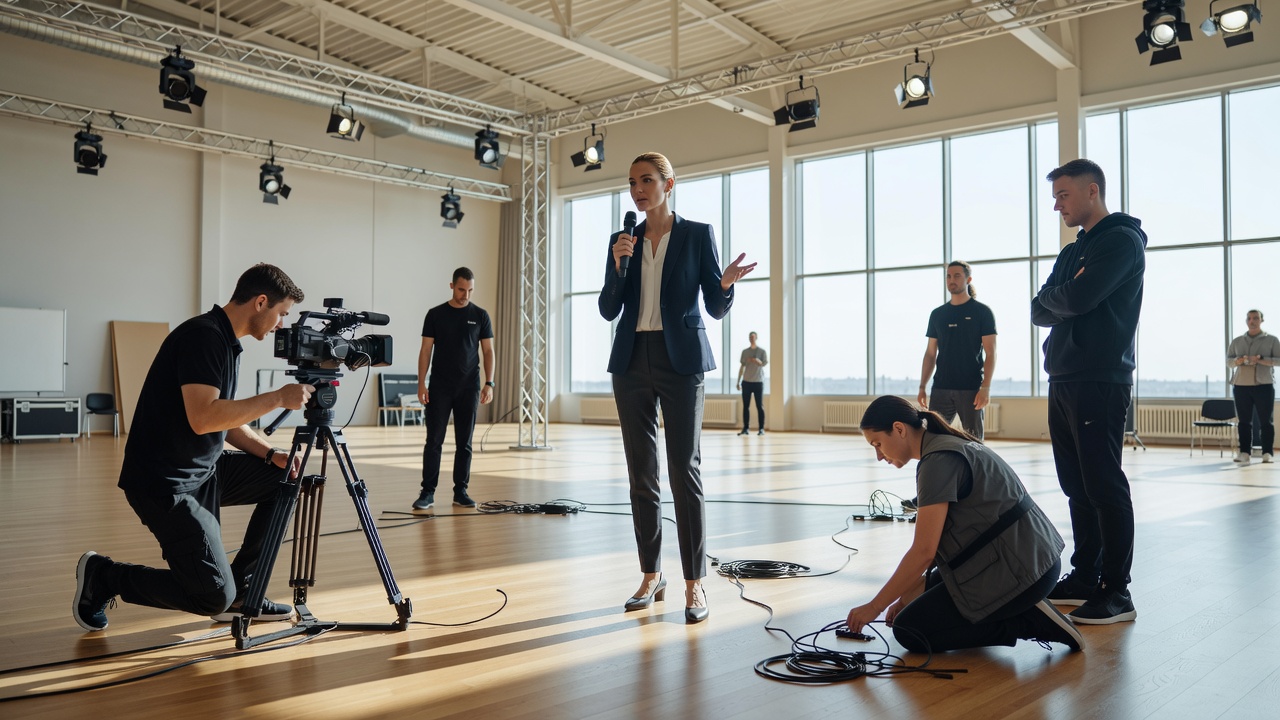
Draw the usable floor area, including entrances, furniture, cable routes and safe boundaries. Mark where talent can stand and where they should look when addressing a virtual object. A floor manager may use a temporary physical reference during rehearsal. The audience never needs to see that reference, but the presenter needs a consistent relationship with the thing that will eventually appear on screen.
Choose a stage method for the shot
A green-screen workflow separates the presenter from a coloured background and composites another image behind them. It can offer substantial flexibility, but hair detail, reflective objects, spill and uneven illumination require attention. A fixed camera against a keyed background is a different production challenge from several moving cameras showing a shared virtual space. Treat those as separate scopes rather than assuming one naturally grows into the other.
LED-based production places imagery on physical displays around or behind the subject. This may provide useful reflections and a visible reference for performers, but it introduces display-camera relationships, moiré risks and viewing-angle constraints. An extended-reality setup may combine LED imagery with rendered extensions outside the physical screen. None of these approaches removes the need for a lighting plan, camera tests or specialist operators.
Make the real and virtual cameras agree
When a physical camera moves, the digital viewpoint may need to move with it. Camera tracking supplies position and orientation; lens information can support matching focal length, focus behaviour and distortion. A mismatch often appears as scenery sliding behind a presenter or a virtual floor refusing to stay attached to their feet. Small inconsistencies become easier to notice when the shot contains strong perspective lines.
Test the actual lenses and movements intended for the show. A calibration that looks convincing in one wide shot may reveal problems during a zoom or at the edge of the frame. Record reference passes and compare them after adjustments. Synchronisation also matters: camera, tracking and render paths must represent compatible moments. A precise spatial alignment can still look wrong if one part of the pipeline arrives late.
Light the person, then connect the world
Lighting is not simply a background-removal task. The person should appear to inhabit the scene’s direction, contrast and colour. If a virtual window appears to be the dominant light source, a contradictory physical key light can make the composite feel disconnected. The lighting director and environment artist should discuss this before the scene is considered finished, not during the final rehearsal.
Check skin tones, reflective wardrobe, glasses and desk surfaces through the complete camera chain. Natural-looking results can demand carefully controlled studio lighting; they do not necessarily come from daylight alone. Ask the presenter whether the arrangement is comfortable and whether any screen produces distracting glare. A technically impressive shot is a poor trade if it makes the conversation harder to deliver.
Rehearse transitions and recovery
The most revealing rehearsal is a representative sequence: enter the stage, establish the presenter, bring in an object, change camera, then remove the object and leave. Give each action an unambiguous cue. Decide who can stop the sequence if alignment is visibly wrong. Avoid cue names that sound similar over intercom, especially when several departments must act in quick succession.
Prepare a stable alternative, such as an untracked medium shot with a simple background or a conventional full-screen graphic. Confirm that the alternative is genuinely available on the switcher and that the presenter knows how to continue. A fallback is not merely a spare file; it is a rehearsed editorial route. Review recorded output with the floor, camera and technical teams so corrections address the whole system rather than a single department.
What this layer does not solve
Stagecraft establishes a believable place and a usable performance space. It does not validate scores, moderate audience submissions or guarantee audience retention. Those belong to other production decisions. Keeping that boundary clear helps teams direct effort where it matters: a readable analysis graphic may do more for a particular segment than another sweeping virtual camera move.